Eid Social Planner Guide: Hosting, Visiting & Calls by Bucket
Use four fixed visit-type buckets—Hosting, Visiting, Call or Message Only, Not Decided Yet—so every family or person has a clear Eid plan you can rename, move, and expand.
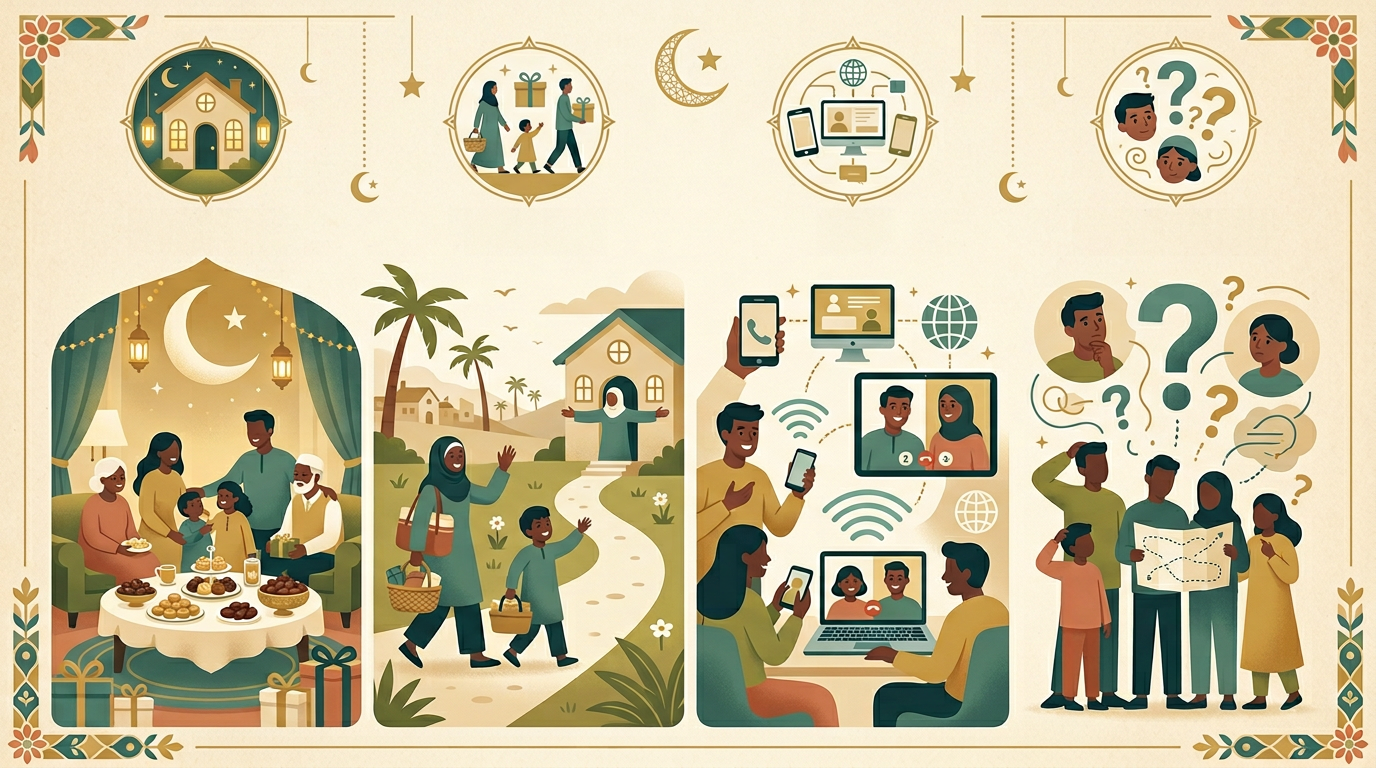
What's in This Guide
Organise Eid by How You’ll Connect
This planner uses four fixed buckets—Hosting, Visiting, Call or Message Only, and Not Decided Yet. Each item is a slot for a family or person: rename tasks to real names, then move people between buckets as your plan firms up.
Hosting
List everyone you’ll host; add timing or headcount in notes.
Visiting
Households or people you travel to see this Eid.
Call / Message Only
When travel or health means a call or message is the right plan.
Not Decided Yet
Temporary home until each person is placed in a visit type.
The Eid Social Planner: Sort Everyone by Visit Type
Eid social plans get messy when names live in one undifferentiated list. Eid Social Planner gives you four fixed buckets—each one is a visit type. Every checklist item is a slot for a family or person: rename it to a real name, add notes for timing or Eidi, and move the item when your plan changes.
Four Visit Types, One Clear List
| Bucket | Meaning |
|---|---|
| Hosting | They come to you—meals, tea, or open house. |
| Visiting | You go to them in person. |
| Call / Message Only | You’ll connect remotely; still intentional. |
| Not Decided Yet | Parking spot until you choose a visit type. |
This structure matches how real Eid logistics work: who needs a seat at your table, who needs a drive across town, and who needs a scheduled call.
Inside the Checklist: One Bucket at a Time
Hosting
- Add hosted households or guests — Rename each item to a name or family label.
- Use notes for headcount, meal time, or Eidi if helpful.
- Add more items in Checkolo if you host many groups.

Visiting
- Add in-person visits — Each row is someone you’ll travel to see.
- Note day or time when you know it.
- Duplicate rows for a long list.

Call / Message Only
- Add contacts for calls or messages — Respectful when travel or health doesn’t allow a visit.
- Note channel (voice, video, text) if it helps you follow through.

Not Decided Yet
- Park names here temporarily — When you’re unsure if you’ll host or visit.
- Review mid–Eid week and move each person to exactly one other bucket.
- Goal: an empty “Not Decided” bucket by Eid.
Why This Checklist Gets Finished
- Buckets match decisions you already make—not abstract project phases.
- Rename-in-place turns prompts into a real roster.
- Not Decided Yet stops silent maybes from derailing the day.
How to Use This Template
- Start with every name you care about—even if unsure, use Not Decided Yet.
- Rename each item from the placeholder text to the actual person or household.
- Move items between buckets as plans firm up (Checkolo supports reordering/editing).
- Add items to any bucket if four starter rows aren’t enough.
- Aim to clear Not Decided Yet before Eid.
For timing, travel buffers, conflict checks, and Eidi prep, pair this with the Eid Visit & Social Rotation guide.
Mistakes to Avoid
- Leaving people only in your head—not on the list
- Using Visiting for people you’ll only call (be honest; use Call / Message Only)
- Letting Not Decided Yet stay full until the last minute
- Forgetting to rename items so the list stays readable next year
Frequently Asked Questions
Why four separate buckets instead of one long list?
Visit type drives timing and expectations. Buckets make trade-offs visible without offending people you can’t visit in person.
What should each item title be?
The household or person’s name. Replace the starter text as soon as you can.
Can I add more than four people per bucket?
Yes—duplicate or add items inside the same bucket.
When should “Not Decided Yet” be empty?
Before Eid day, ideally—everyone should land in Hosting, Visiting, or Call/Message.
Is Call / Message Only OK for elders?
Yes—when a visit isn’t feasible, a planned call is respectful and clear.
Eid Mubarak — Connect With Clarity
You don’t need a perfect social calendar—just a clear visit type for each person who matters. Eid Social Planner keeps hosting, visiting, and remote greetings in the right buckets so you show up the way you intend.
Why Bucket-by-Visit-Type Works
One Row Per Person or Household
Rename each item to a real name so your checklist is your real roster.
Easy to Re-sort
Move items between buckets when plans change—Hosting vs Visiting stays honest.
Calls Are First-Class
Call/Message Only is explicit, not a second-class afterthought.
Nowhere to Hide “TBD”
Not Decided Yet makes uncertainty visible until you commit.
Frequently Asked Questions
Why four separate buckets instead of one long list?
Visit type drives timing, travel, and expectations. Splitting by Hosting, Visiting, Call/Message, and Not Decided keeps conflicts obvious and reduces hurt feelings from vague plans.
What should I put in each item title?
Use the household or person’s name (e.g. “Aunt Sara’s family” or “Khalid”). The starter text is only a prompt until you rename it.
Can I add more rows if four slots per bucket isn’t enough?
Yes. In Checkolo you can duplicate items or add new ones inside any bucket—keep using the same visit-type bucket so your plan stays organised.
When should “Not Decided Yet” be empty?
Aim to clear it before Eid day. Anything left there risks last-minute stress or forgotten people—move each name to Hosting, Visiting, or Call/Message.
Is it OK to have someone in Call / Message Only instead of visiting?
Yes. Distance, health, and capacity are valid. Labelling it clearly is kinder than overpromising an in-person visit.